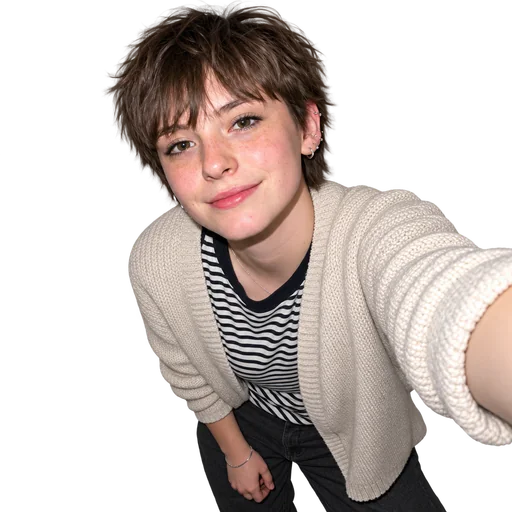
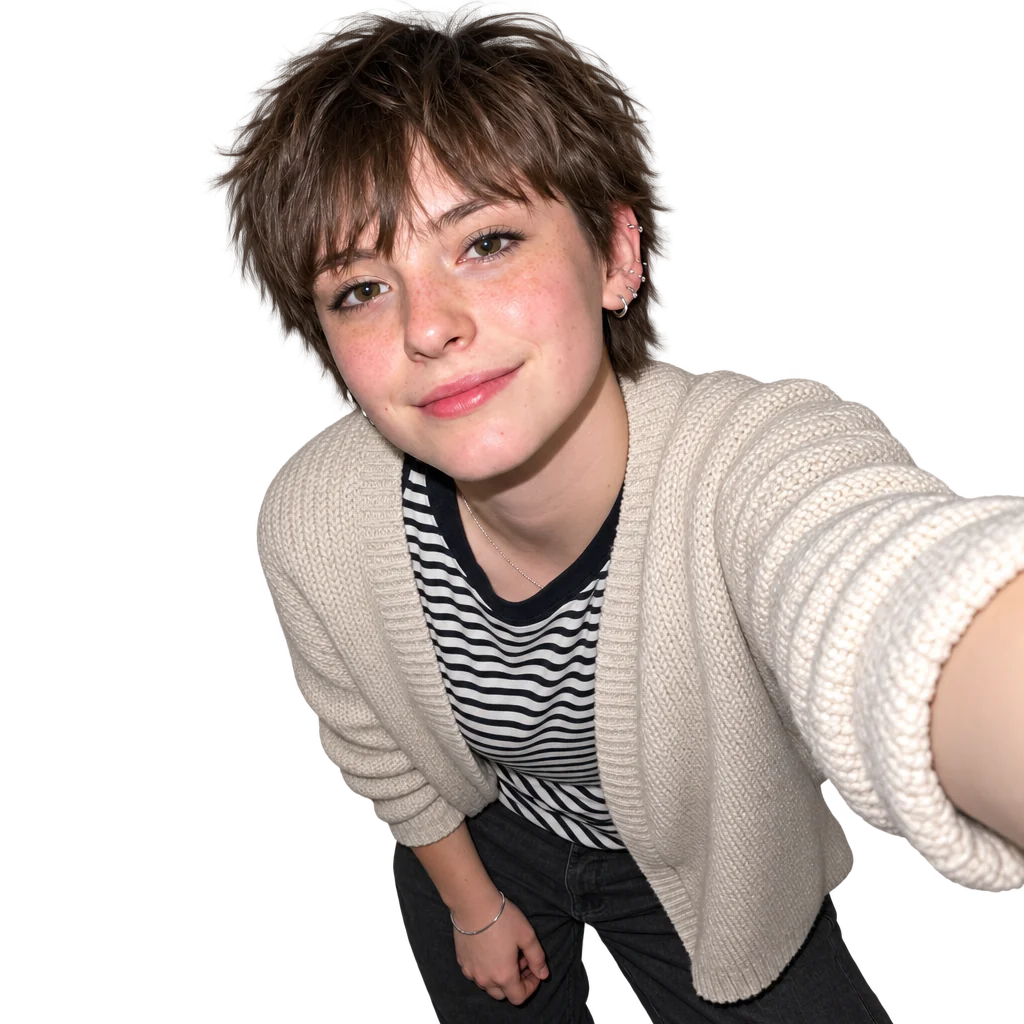
Background-removed portrait in a denim jacket and white top.Background-removed smiling portrait in a black blazer and jeans with a studded handbag.Background-removed portrait in a beige open shirt and green T-shirt.Background-removed portrait in a brown jacket and black top with layered necklaces.Background-removed leaning selfie in a cream cardigan and striped top.

Remove Your Background

Upload your photo to remove its background and isolate your subject with clean edges on a transparent background.

  1. Upload
  2. Log in
  3. Create
  • Start with your photo

    Upload the photo whose background you want removed, keeping the original as a reference.

  • Guide the cutout

    Ask for clean edges around hair, fur, transparent areas, and product contours, then request refinements in words.

  • Keep clean subject edges

    Review the transparent cutout for halos or missing details, and ask to keep the subject recognizable during refinements.

Background cleanup

Bring your subject forward

Bring your subject forward with a transparent background and careful attention to fine edges, hair, fur, and product contours.

Background-removed portrait in a denim jacket and white top.
Reviewed cover-crop display of original catalog portrait for example-a
Background-removed leaning selfie in a cream cardigan and striped top.
Reviewed cover-crop display of original catalog portrait for example-c
Background-removed portrait in a brown jacket and black top with layered necklaces.
Reviewed cover-crop display of original catalog portrait for example-e

Get started

Upload a clear portrait, describe the edit and check the resulting image.

步驟 1

Add your portrait

Choose the photo you want to edit.

步驟 2

Request the edit

Submit the exact edit request with your original photo.

Step 3: Review the result. Actual accepted A result.

步驟 3

Review the result

Check real transparency and clean edges around the unchanged subject.